Quick Actions
Common tasks at your fingertips
Restart ServerBackup NowphpMyAdminMail QueueTerminalDiagnostics
Infrastructure
Restarts, certificates, databases, mail, DNS, logs and licensing — grouped by what you came to do rather than by which daemon owns it.
Tools & settings
One screen holds the whole server side of the panel, split into six groups. Nothing is more than two clicks deep, and each tile says plainly what it does rather than what it is called underneath.
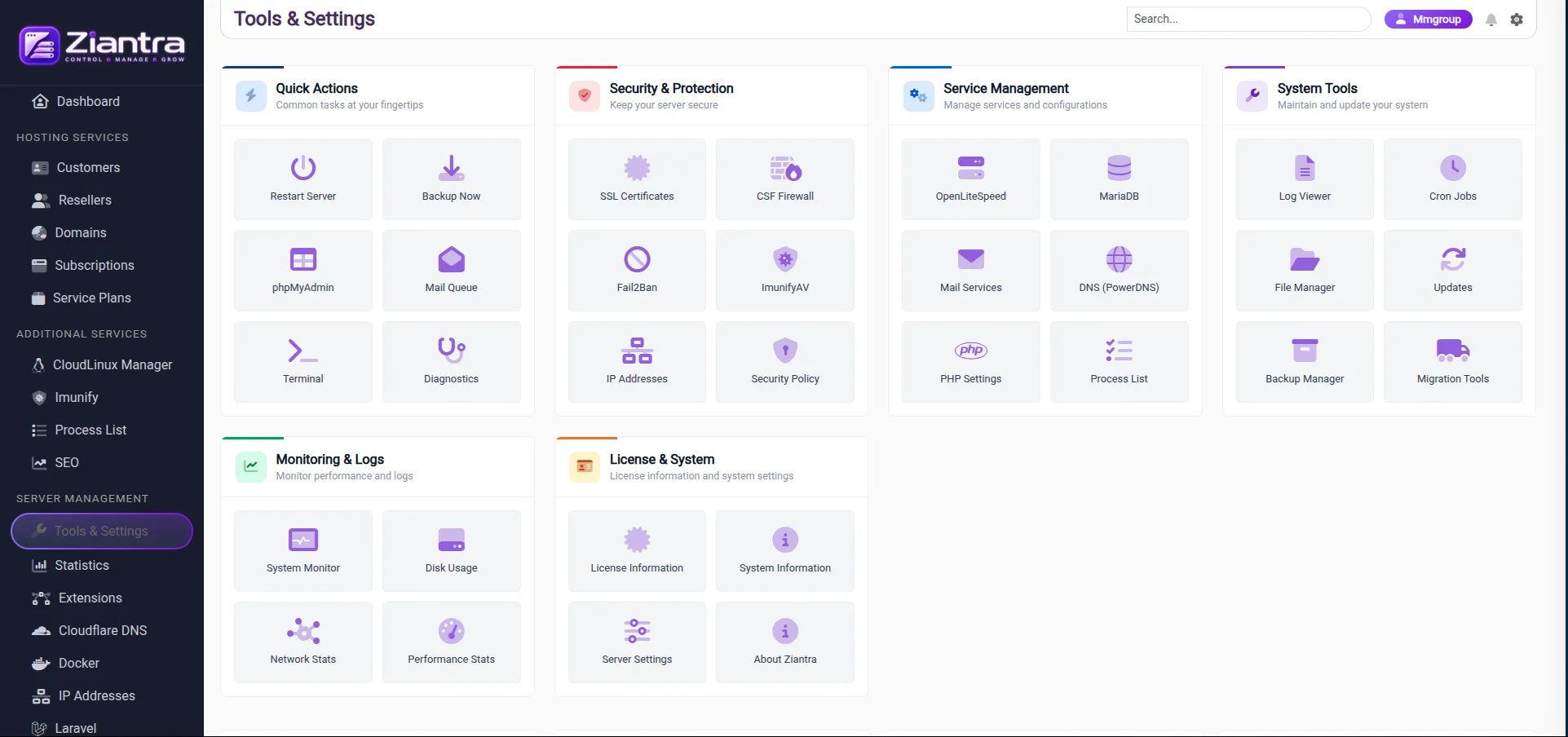
Every group on that screen, and what sits in it.
Common tasks at your fingertips
Keep your server secure
Manage services and configurations
Maintain and update your system
Monitor performance and logs
License information and system settings
The rest of what the sidebar reaches from the server side.
On your own server
Tell us what the platform looks like today and we’ll tell you
what moving to Ziantra involves.