Platform features
The screens the day runs on.
Domains, subscriptions, service plans and IP addresses — four lists a hosting team lives in, each built to answer its own question without a detour.
Domains
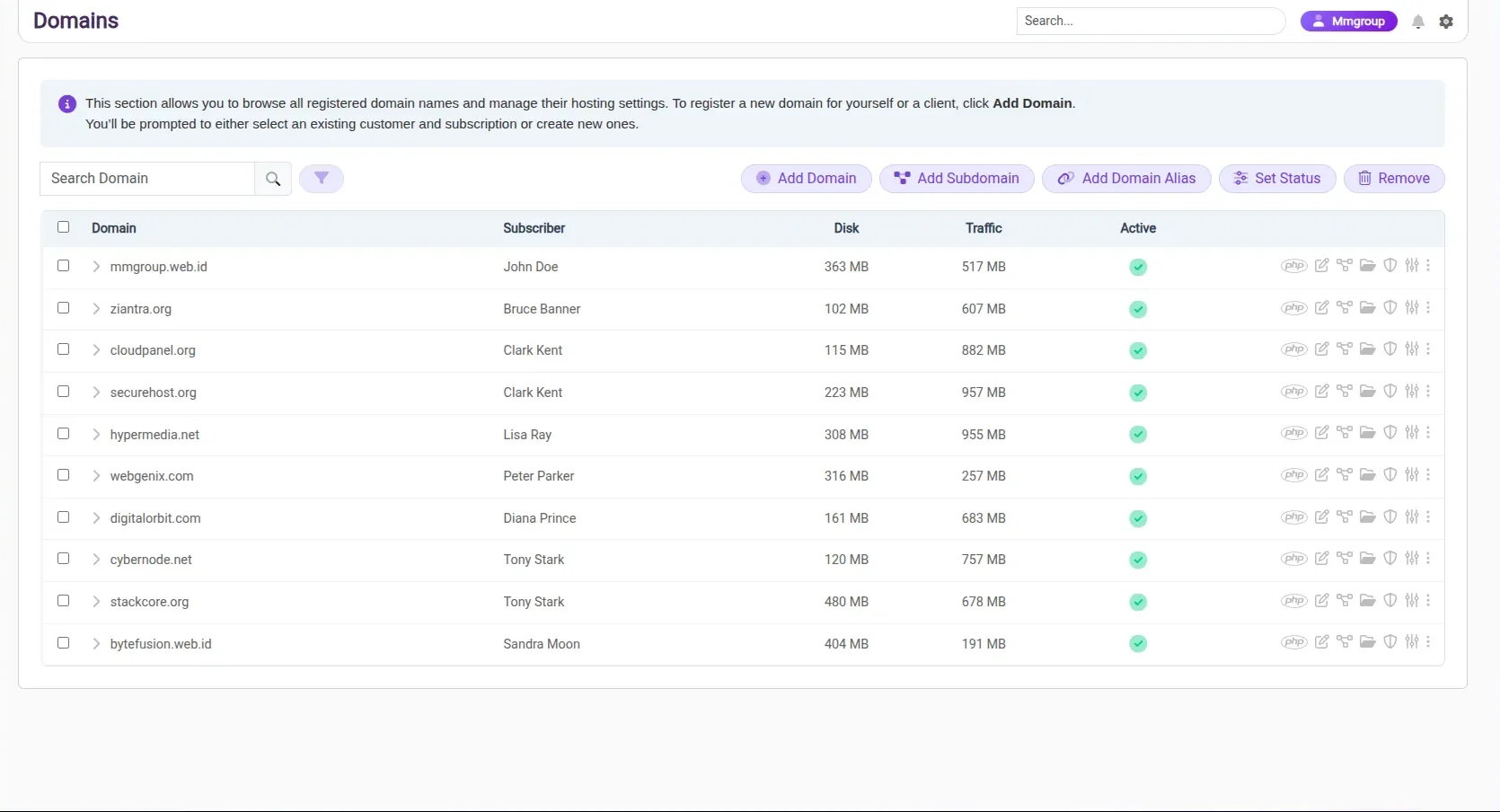
Every registered domain, with its subscriber.
Browse every domain on the platform and manage its hosting settings from a single list. Registering a new one prompts you to pick an existing customer and subscription, or create them on the spot.
- Domains, subdomains and aliases in one list
- Subscriber, disk and traffic on every row
- Set status or remove without leaving the page
Subscriptions
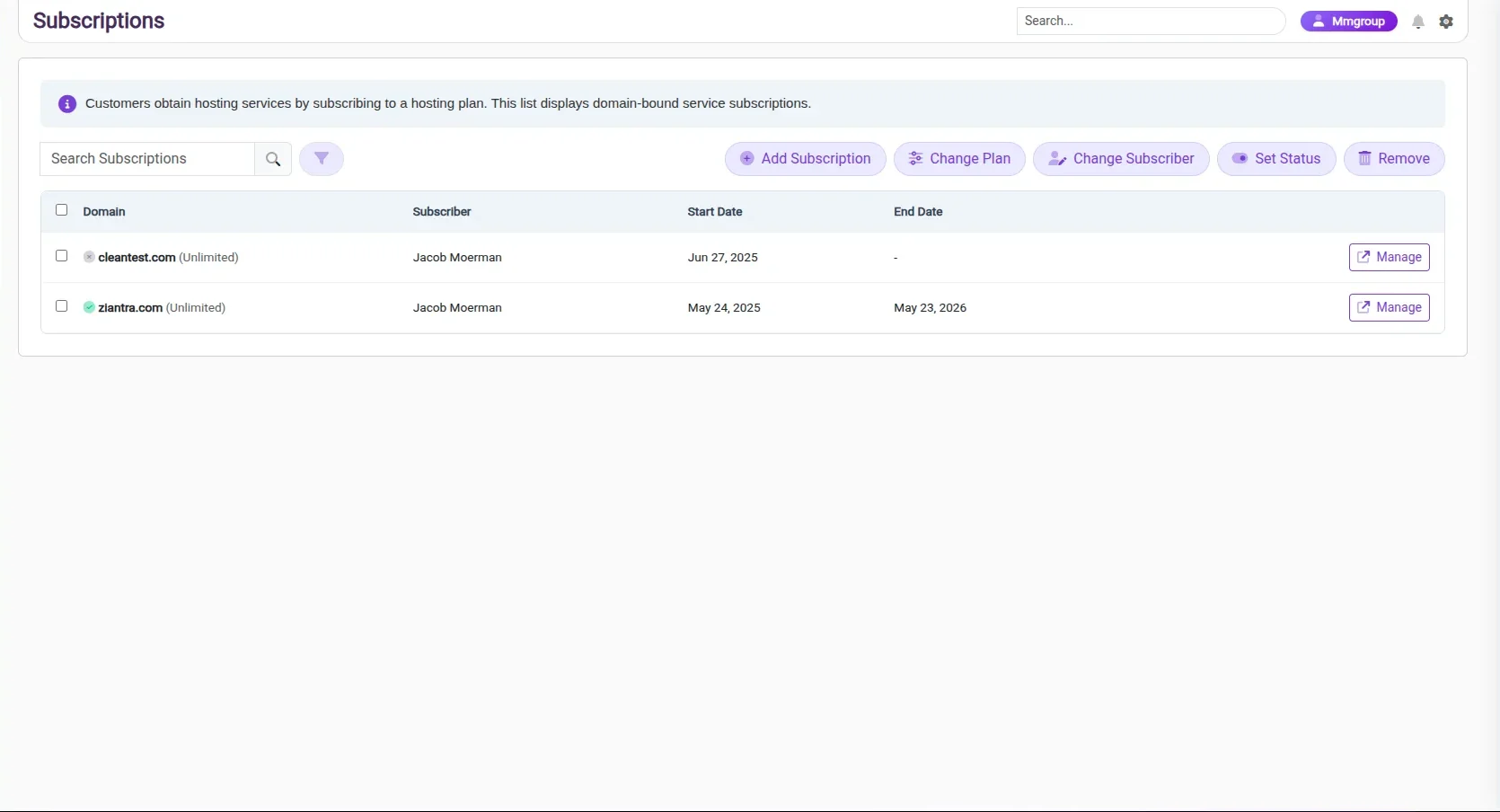
The link between a customer and a plan.
Customers take hosting services by subscribing to a plan. Each entry is a domain-bound subscription, so the relationship between subscriber, plan and domain stays readable at a glance.
- Subscriber and term beside every domain
- Change plan or change subscriber in place
- Open any subscription straight from its row
Service plans
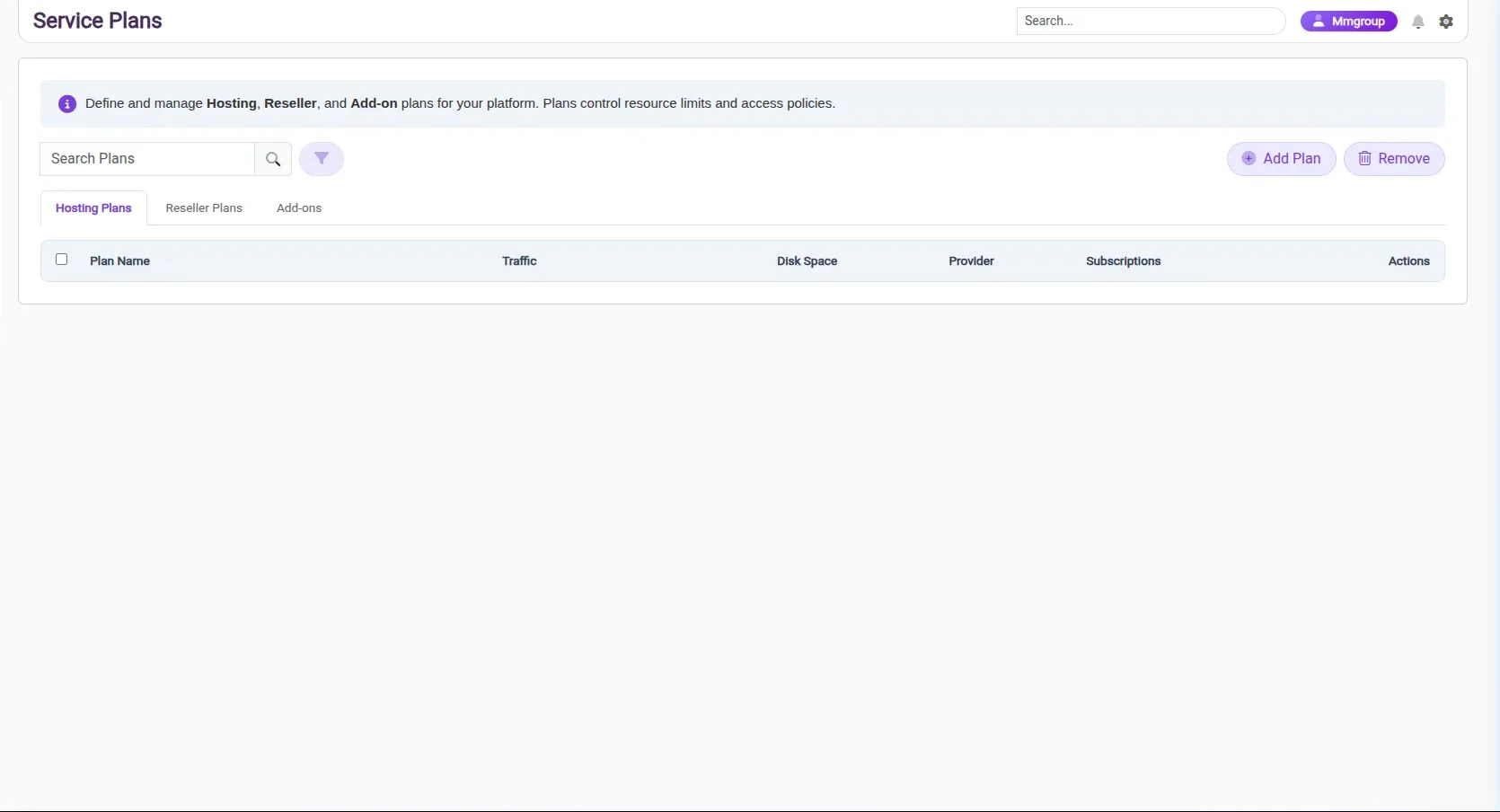
Limits and access, defined once.
Hosting, reseller and add-on plans are defined in one screen. A plan carries the resource limits and access policies its subscriptions inherit, so the rule lives in a single place rather than on every account.
- Hosting, reseller and add-on plans on their own tabs
- Traffic and disk space set per plan
- See how many subscriptions each plan carries
IP addresses
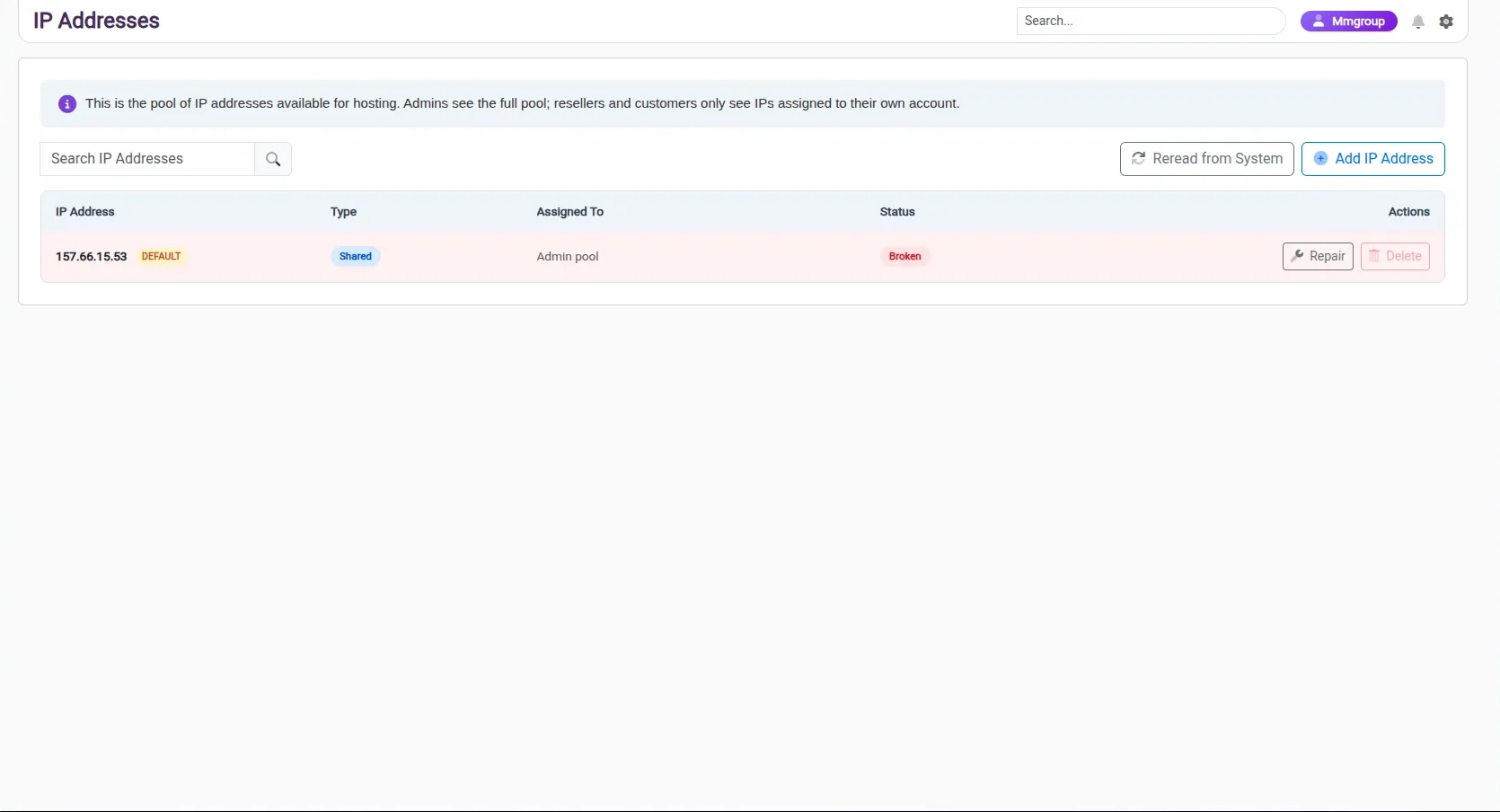
The address pool, scoped to who is looking.
The pool lists every address available for hosting with its type, assignment and status. Admins see all of it; resellers and customers see only the addresses assigned to their own account.
- Shared and dedicated addresses in one pool
- Assignment and status on every address
- Re-read the pool from the system when it changes
See it together
These screens are one panel, not four tools.
Every list here shares the same navigation, the same actions and the same status language, so moving between them costs nothing.